Docs · Unwanted mail
Make a filter
Keep a kind of mail out of your Inbox, like cold sales pitches that come from a new sender each time. Describe it once and Alrighty filters it.
Open Settings → Filters, click New filter, and describe the mail you don't want. New mail that fits skips your Inbox. It moves to Archive and shows in Filtered.
Use a filter for a kind of mail. To end the mail from one sender, use Stop mail instead.
Steps
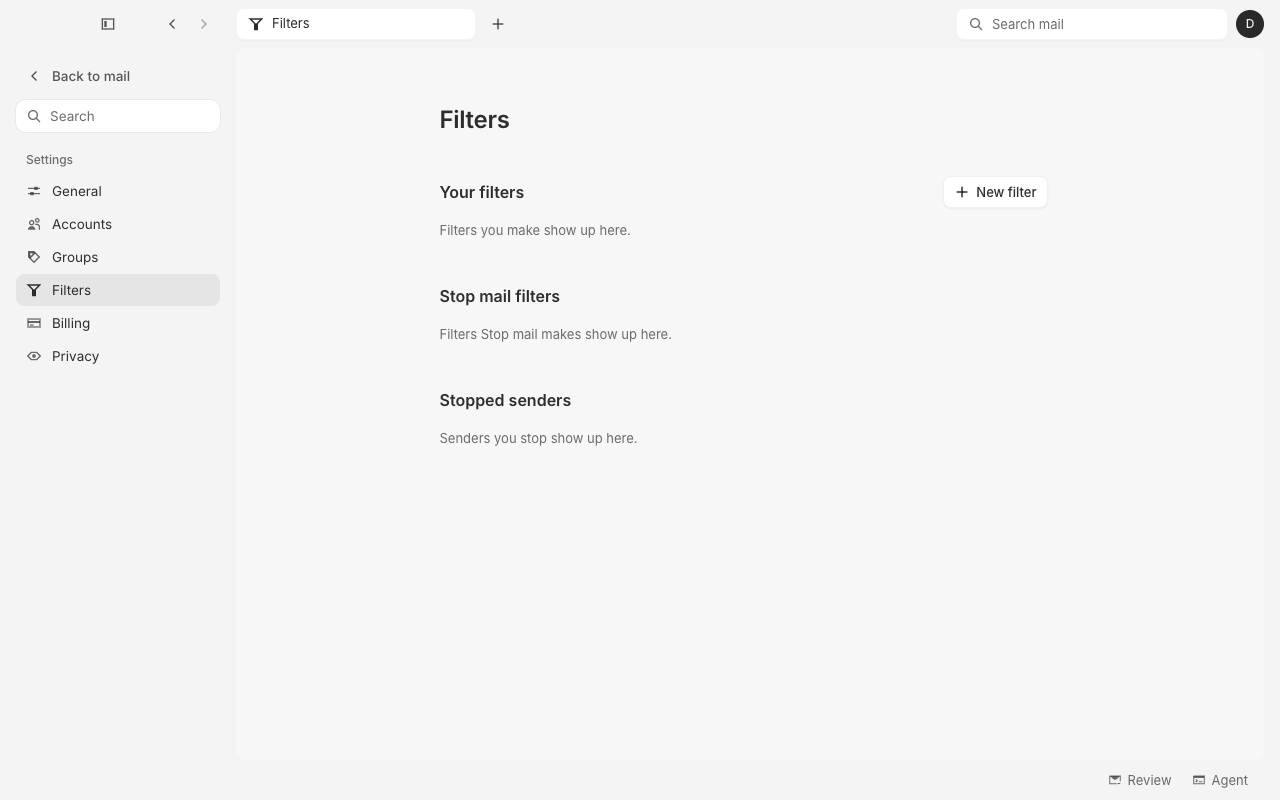
1. Open Filters
Click your avatar at the top right of the window, then click Settings. Click Filters in the sidebar, then click New filter.
2. Describe the mail
Give the filter a name. Leave Filter with AI on, and write what the filter takes under AI prompt, for example: "Cold sales pitches and demo requests from people I don't know." To have the AI write the prompt, click Ask AI and say in your own words what to filter.
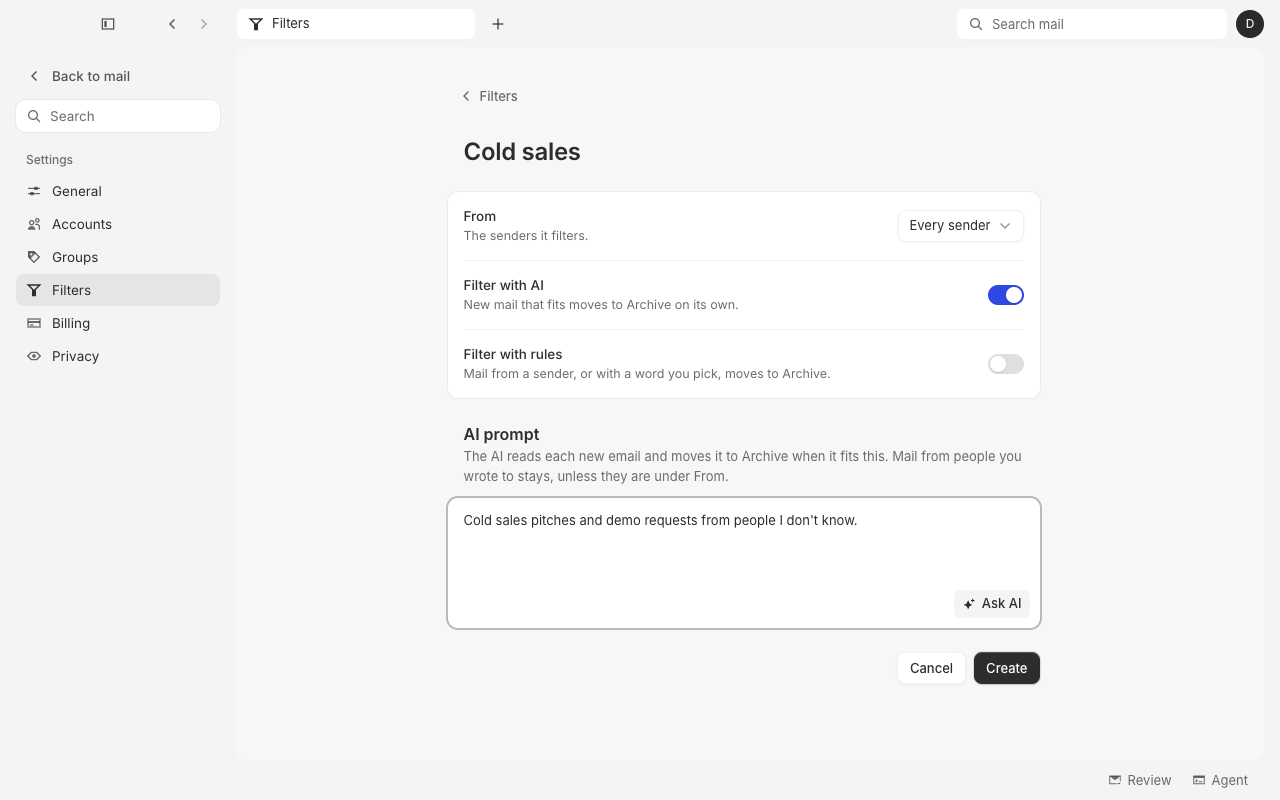
- From is Every sender at first. Pick senders there to filter only their mail.
- Filter with rules moves mail that matches a rule you set, such as From or Subject contains a word. Turn it on to add rules. A filter can use AI, rules, or both.
- With more than one account, Mailboxes picks the inboxes the filter acts on.
3. Create the filter
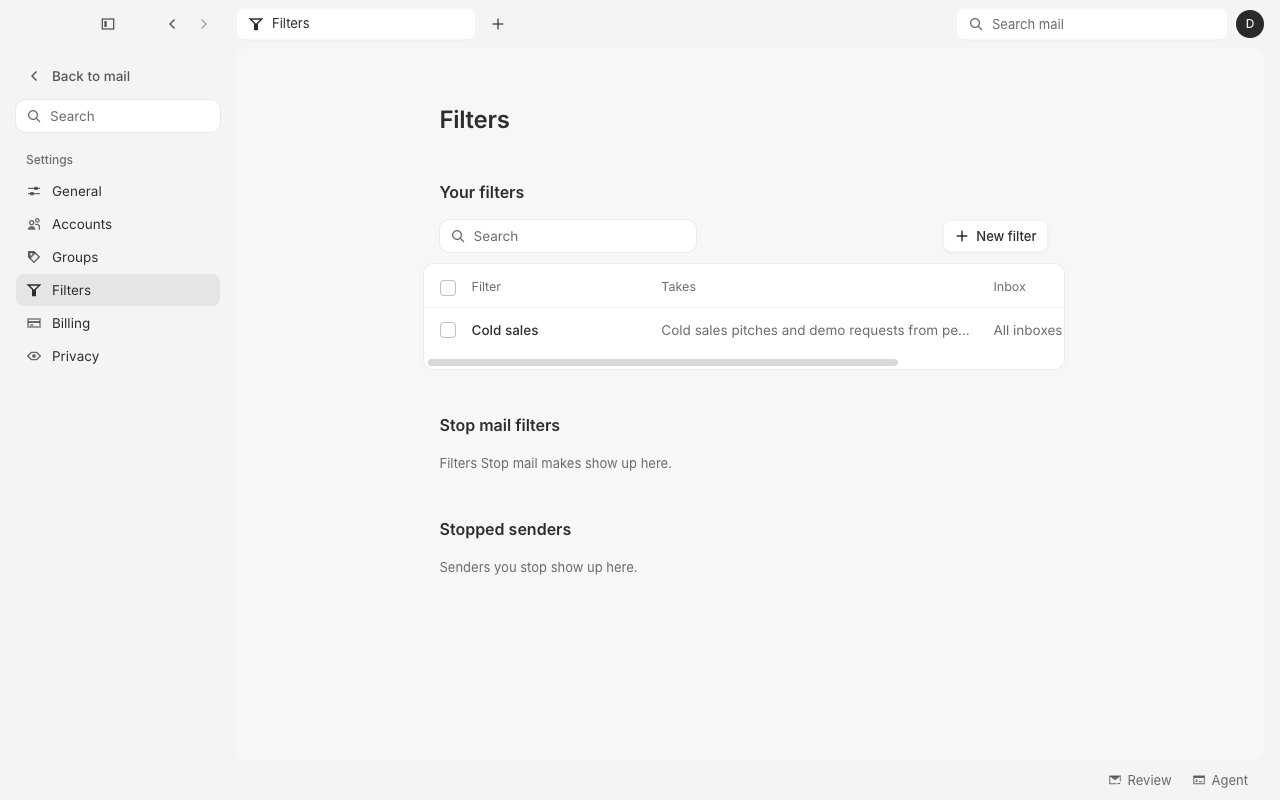
Click Create. The filter shows under Your filters.
4. Find filtered mail
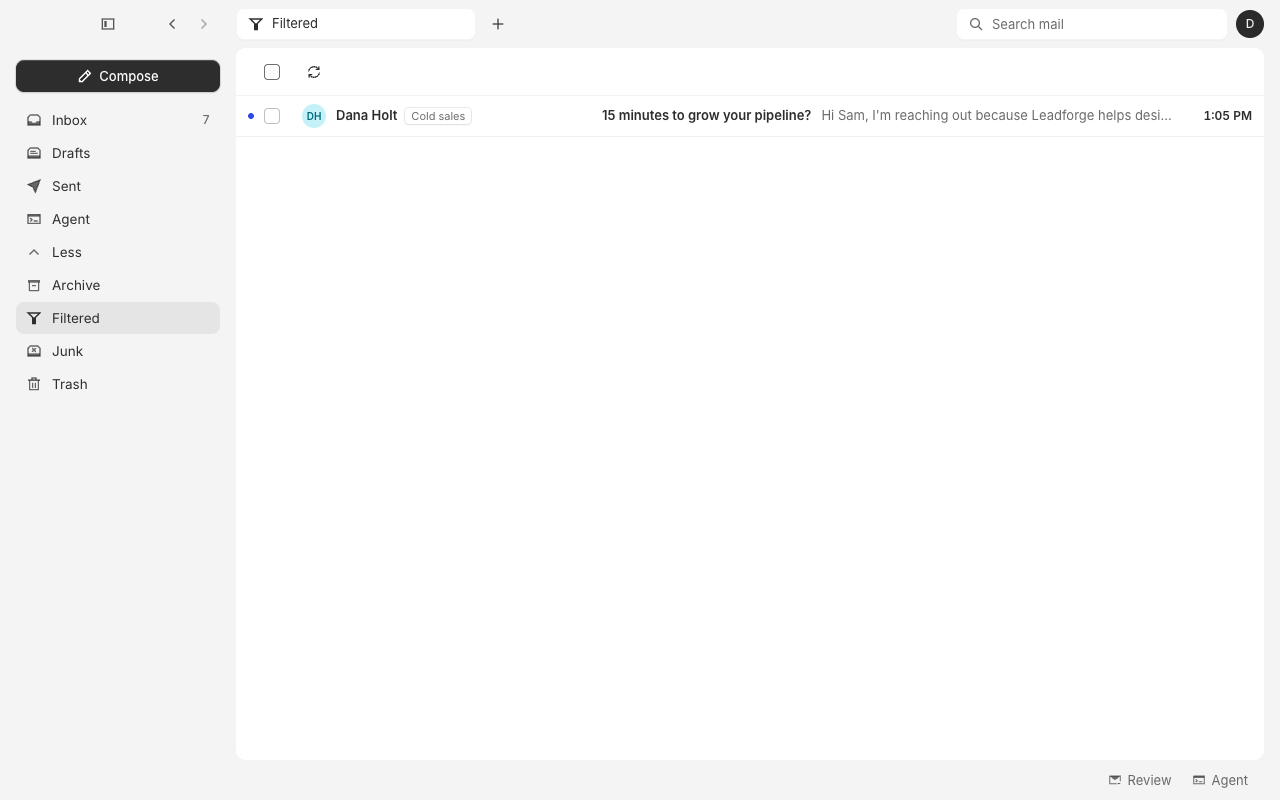
New mail that fits the filter moves to Archive and never shows in your Inbox. To see it, click More in the sidebar, then Filtered. Each message carries the name of the filter that took it.
Questions
Does a filter move mail I already have?
No. A filter acts on new mail, from the moment you make it. To clear out senders already in your mail, use Clean up.
Will a filter catch mail from people I know?
An AI filter leaves mail from people you wrote to in your Inbox. To filter one of them anyway, pick them under From.
A filter took a message I want
Open Filtered, select the message, and click Move to Inbox. That filter then leaves the sender's mail in your Inbox.
How do I change a filter?
Open Settings → Filters and click the filter. Change it, then click Save.
How do I delete a filter?
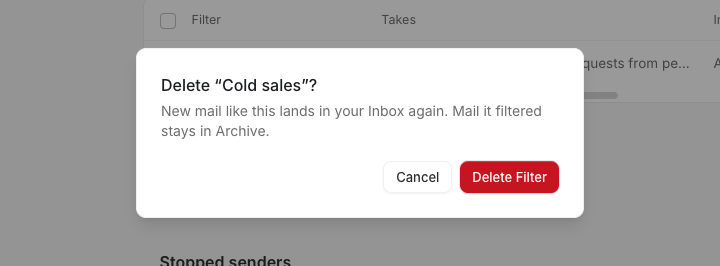
Open Settings → Filters, check the box next to the filter, and click Delete. Then click Delete Filter. New mail like it lands in your Inbox again. Mail it already filtered stays in Archive.
What is the difference between a filter and Stop mail?
Stop mail ends the mail from one sender. A filter catches a kind of mail, such as cold sales, that comes from a new sender each time. The filters Stop mail makes show under Stop mail filters on the same page.